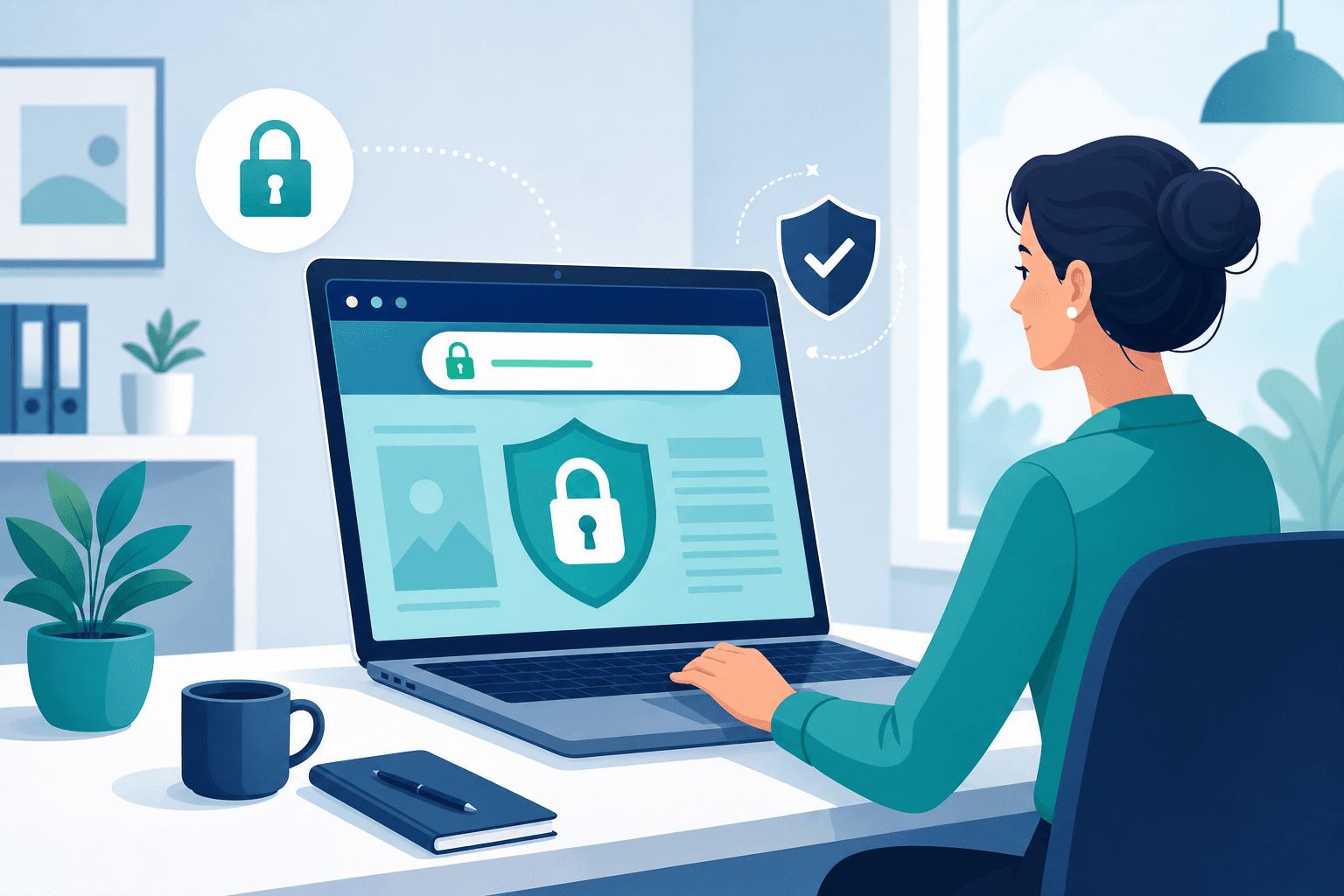
Look at the top of your browser right now, near the web address. See that little padlock icon?
That small symbol does a surprising amount of work. It affects whether customers trust your website, whether Google ranks it well, and whether visitors get a scary warning before they even see your business.
Here's what it really means, in everyday terms, no tech-speak.
What the padlock actually means
That padlock means your website has something called an SSL certificate. Don't worry about the name. Here's what it does in plain terms:
It scrambles the information that travels between your website and your visitor, so nobody can snoop on it or steal it along the way.
Think of it like sending a letter in a sealed, locked envelope instead of on an open postcard anyone could read. The padlock tells visitors "your information is safe here."
Why visitors care (even if they don't know the term)
Most customers couldn't explain what SSL is. But they absolutely notice when it's missing, because their browser warns them.
- With the padlock: the site loads normally, looking safe and professional.
- Without it: modern browsers slap a "Not Secure" warning on your site, sometimes a full-page red alert before they can even enter.
Imagine a customer trying to visit your business and being met with a warning sign that says "this might not be safe." Most turn around immediately. That warning alone can scare away a huge share of your visitors.
Why Google cares too
Google wants to send its users to safe sites. So it does two things that affect you:
- It ranks secure sites higher than unsecure ones.
- It flags unsecure sites with that "Not Secure" warning.
So a missing padlock hits you twice: fewer people find you (lower ranking), and the ones who do get scared off (the warning). That's a costly combination for something so fixable.
How to check if your site is secure
This takes ten seconds:
- Open your website.
- Look at the web address bar at the top.
- See a padlock? You're secure. Good.
- See "Not Secure" or a warning? Your site is missing its SSL, and that needs fixing.
Also check: does your address start with https:// (with the "s")? The "s" stands for secure. If it's just http:// with no "s," you're missing the padlock.
What to do if your site isn't secure
If you found a warning, don't panic, but do act. Getting your site secured is usually straightforward:
- Good news: SSL is often free these days, and any decent website provider includes it.
- If you're with a provider, ask them to enable SSL on your site. It's a standard request.
- If they can't or won't, that tells you something about the quality of your provider.
A modern, properly built website comes secure from day one. You shouldn't have to think about it, or pay extra for it.
Security is more than just the padlock
The padlock is the visible part, but real website security also includes things working quietly in the background:
- Keeping the site updated, so weak spots get patched
- Regular backups, so you can recover if something goes wrong
- Protection against hackers, who often target neglected sites
A site that's secured and maintained is far safer than one with just a padlock and no upkeep. Security isn't a one-time checkbox; it's ongoing care.
Why this matters for a small business
You might think hackers only target big companies. The opposite is true. Neglected small business sites are easy, common targets, precisely because no one's watching them.
A hacked or unsecure site can mean lost customer trust, a site knocked offline, and an expensive cleanup. Prevention is cheap. Cleanup is not.
The bottom line
- The padlock means your site has SSL, which keeps visitor information safe, like a sealed envelope instead of an open postcard.
- Without it, browsers show a scary "Not Secure" warning that scares off visitors, and Google ranks you lower.
- Check in seconds: look for the padlock and "https://" in your address bar.
- SSL is usually free and included with any good provider, so a missing one is worth fixing right away.
- Real security also means ongoing updates, backups, and protection, not just the padlock.
That little lock is small, but it carries your customers' trust and your Google ranking. Make sure yours is there.
Bizy Site includes SSL security on every website from day one, plus ongoing updates and protection, so your site stays safe and your customers stay confident. See how it works →